 50 min
Tonight could look like this
Spanish Tortilla
Golden potatoes, soft onion and eggs. Everyday ingredients, with a Spanish accent.
EggsPotatoesOnionOlive oilSalt
Preview this recipe Your everyday recipe companion
A few ingredients. A little inspiration. Meet the app that turns “what’s in the fridge?” into “that looks good.”
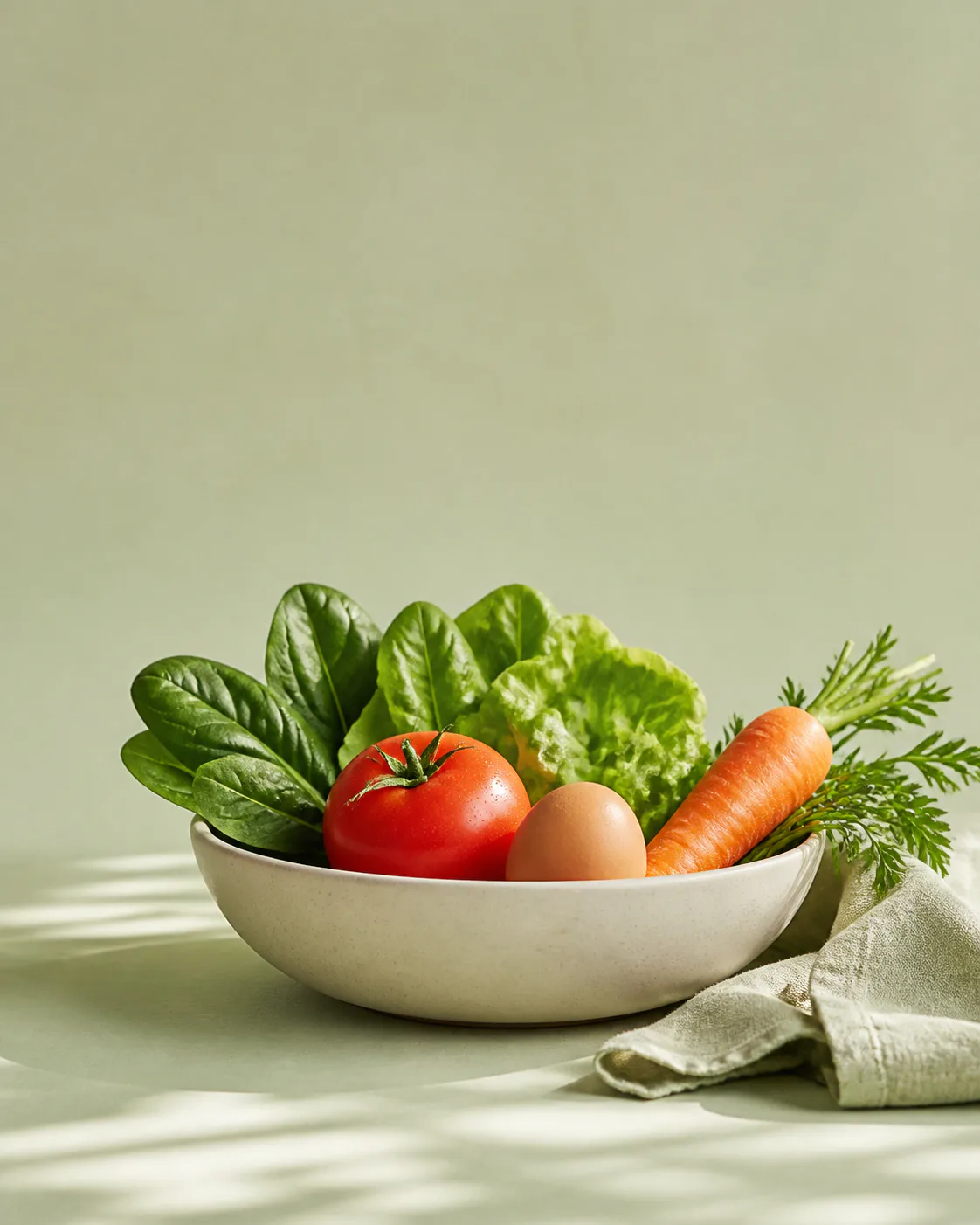
Your kitchen, connected.
Ingredients you have Recipes you’ll want to cook A plan for what’s next01 / Start with your kitchen
You don’t always need another shopping trip. Sometimes you just need to see your ingredients differently.
What are you starting with?
A taste of ingredient-first cooking. Check the ingredient list for everything you’ll need.
50 minTonight could look like this
Golden potatoes, soft onion and eggs. Everyday ingredients, with a Spanish accent.
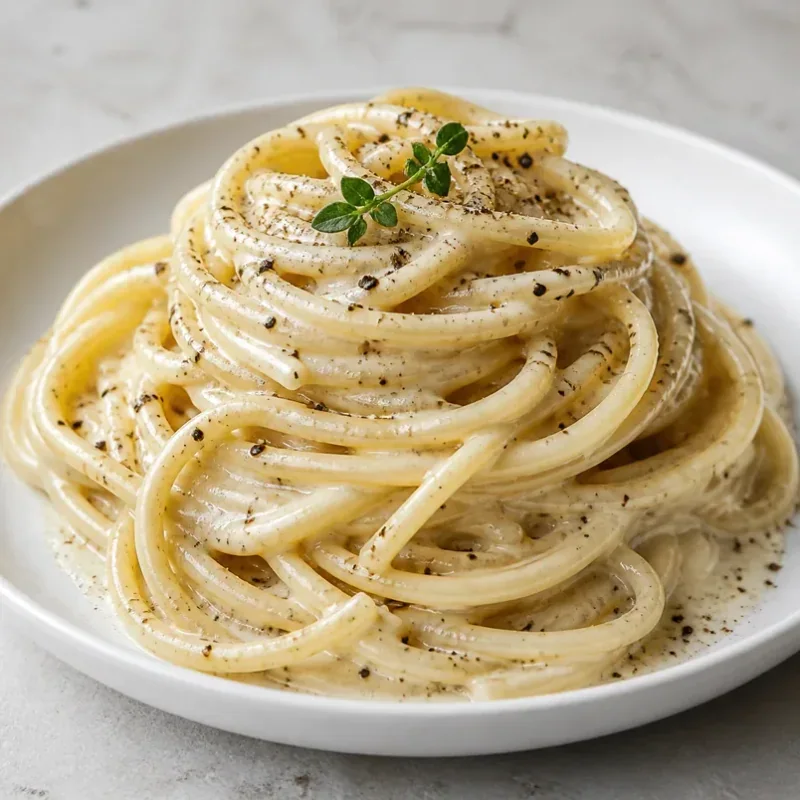 25 min
Tonight could look like this
A little cheese, a generous twist of pepper, and the magic of starchy pasta water.
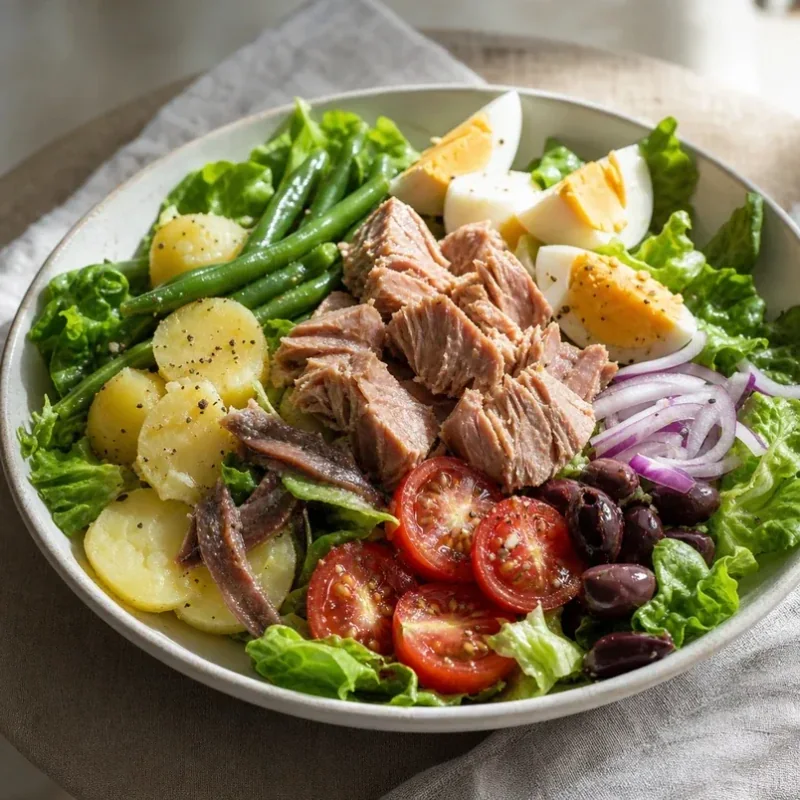
 35 min
Tonight could look like this
Start with rice and eggs, then bring shrimp, pork and vegetables into the picture.
 Nothing fancy.
02 / Make it an everyday thing
The half-used onion. The last few eggs. The pasta at the back of the cupboard. There’s a meal in the things you already have.
In My Fridge brings your ingredients and cooking ideas together, so deciding what to eat feels a little easier.
Bring the idea to your kitchen03 / A kitchen companion, not another chore
From the first ingredient to your next favourite, keep the useful parts of cooking in one place.
Add ingredients by voice or type them in. Review your list, then let dinner take shape.
A quick thought. A useful starting point.Save a recipe when it catches your eye. Come back when you’re ready to cook.
Keep what you need to buy alongside what you already have. Less to remember on your next shop.
Ingredient quantities, cooking times and a complete method. The details you need, right there with the recipe.
Explore the recipe collectionStart with your ingredients and kitchen equipment. The app helps you explore recipes around what you have, then gives you quantities and a complete method so you can choose your next meal.
Yes. You can type ingredients or use voice entry, then review the recognised items before adding them to your fridge.
Yes. Keep recipes you want to cook again and use your shopping list to remember what you still need. Your ingredient list, saved recipes and shopping list stay together in the app.
In My Fridge is available on the App Store for iPhone and iPad. Use the download link on this page to open its App Store listing. Recipes and cooking guides are also available to browse here.
Good meals start closer than you think
Make a little more of what you have.
Get In My Fridge Available for iPhone and iPad